Every new member should receive a warm welcome, but that doesn’t mean you need to manually send the same access email, copy their details and check payment every time somebody joins.
Automating the repeatable steps gives you more time for the human parts of running a valuable membership.
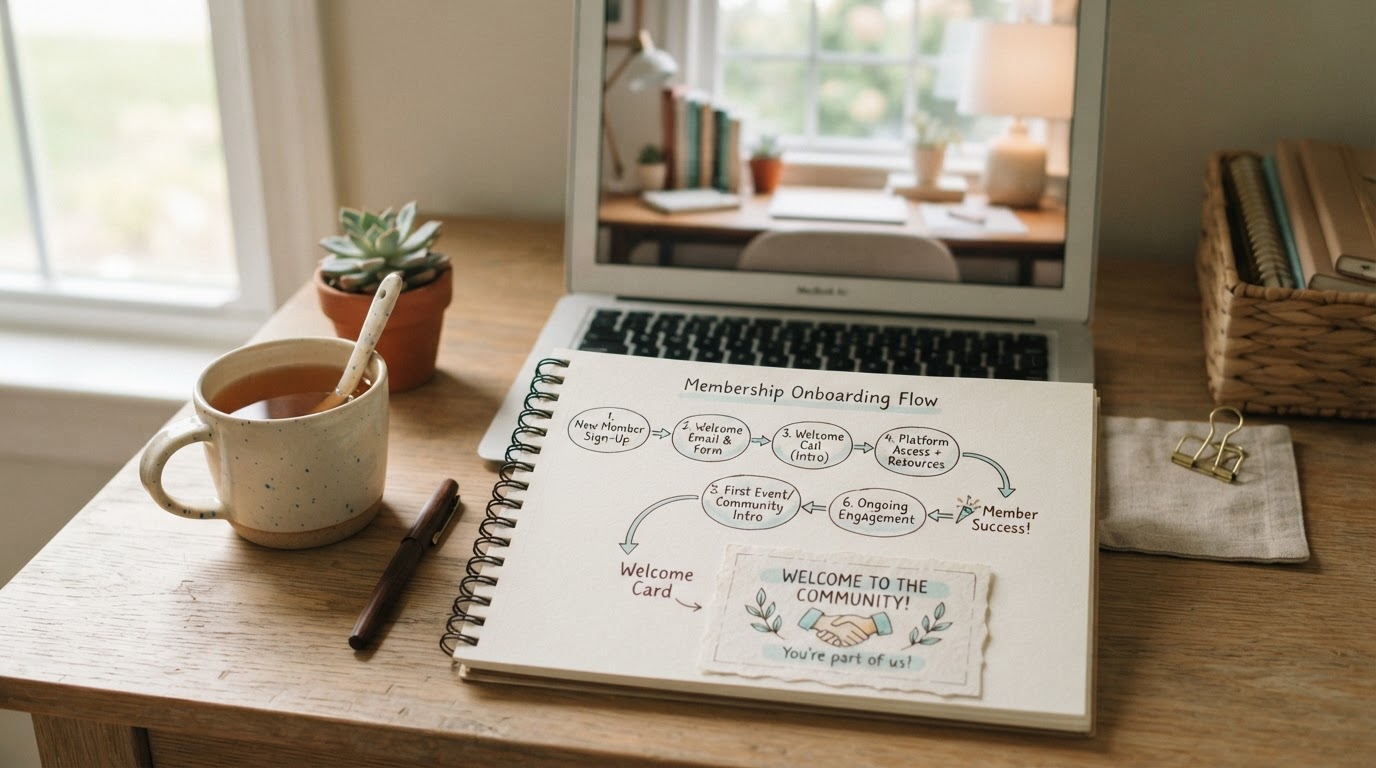
Map the onboarding journey
Write down what should happen after somebody buys:
- Payment is confirmed.
- The contact record is created or updated.
- The correct membership access is granted.
- A welcome email is sent.
- The member receives login and starting instructions.
- The owner is notified if a personal welcome is needed.
Also decide what happens when a payment fails, a subscription is cancelled or somebody changes membership level.
Keep the welcome simple
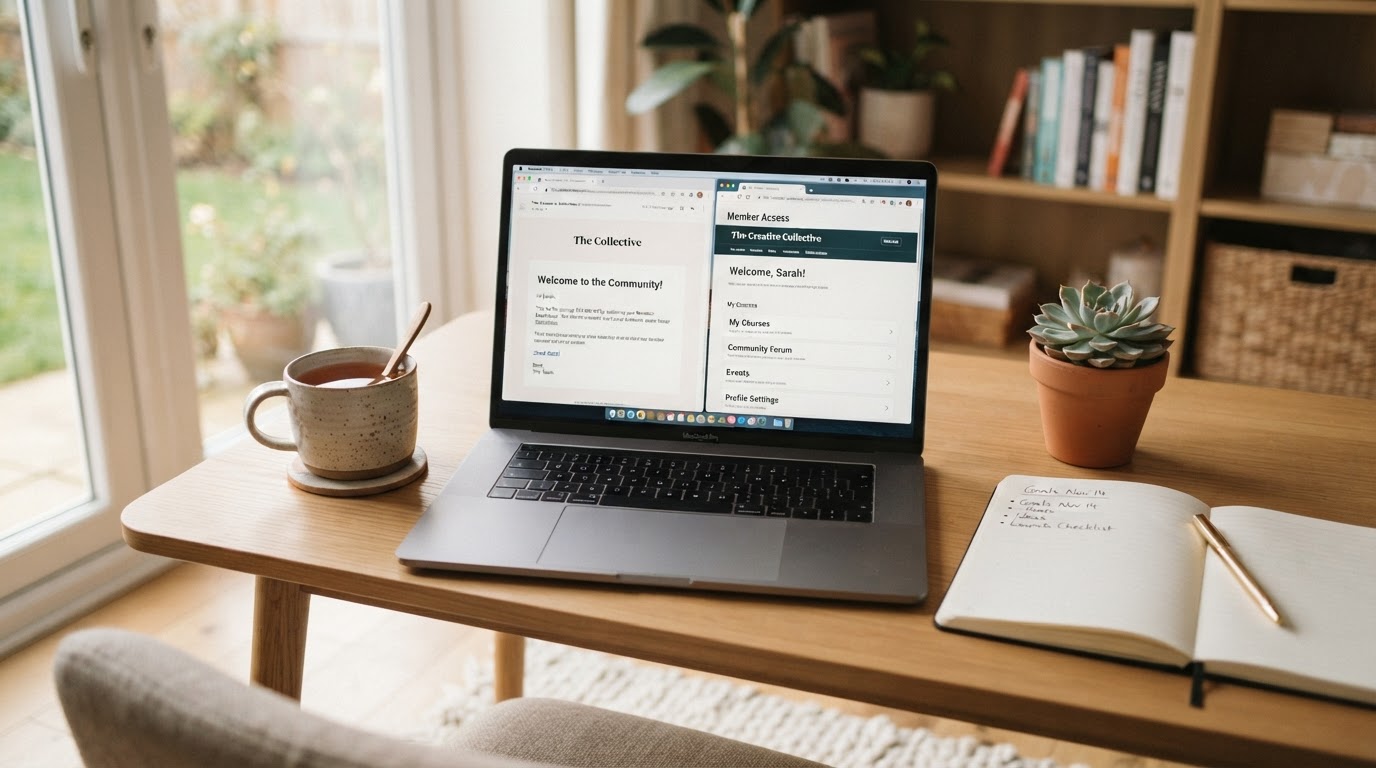
Your first email should answer:
- Where do I log in?
- What should I do first?
- Where can I get help?
- When does anything live happen?
Don’t send a new member through a library tour containing every resource you’ve ever created. Give them one useful first action.
Use access levels deliberately
If you offer different plans, connect each checkout to the correct course, community or content area. Name the access levels clearly and test them with separate dummy accounts.
Members should see what they bought without accidentally receiving content from another plan. You can see what RMM includes for membership delivery and onboarding.
Automate updates, not relationships
Use email to notify members when new material is available, remind them about important sessions and help inactive members find a useful place to restart.
Keep space for personal replies, community conversation and feedback. Automation should provide reliability, not remove your presence.
Track the complete experience
When payments, contacts, access and messages connect, you can see who joined, what they bought and where support may be needed. You’re less likely to miss a cancellation request or leave a paid member waiting for access.
Wendy Rogers said she automated membership payments and onboarding in RMM so she could provide a link and let the process happen in the background. Sandra Harnett uses RMM to run different membership levels and automate emails when new on-demand content is added.