Social media is one of the biggest admin drains for coaches. Not the posting itself, but the daily decisions: what to post, when to post, which platform, whether it matches this week's campaign, and whether you remembered to share the new lead magnet.
The fix isn't more willpower. It's moving social planning into one dashboard with a content calendar, so you batch the decisions once a week instead of making them every day.
Why social media is admin-heavy for coaches
The problem isn't usually writing the posts. It's the surrounding admin:
- Logging into three or four platforms separately.
- Remembering what you posted where and when.
- Coordinating social content with email campaigns and launches.
- Finding time every day to post, rather than planning once.
- Tracking which posts actually drove enquiries.
Each of these is solved by moving social into a single connected dashboard.
Batch your planning into one session
The most effective change is to stop posting daily and start planning weekly. Set aside one hour a week to plan the next week's content. In that session:
- Decide the theme or focus for the week.
- Write three to five posts that support it.
- Schedule them across the platforms you use.
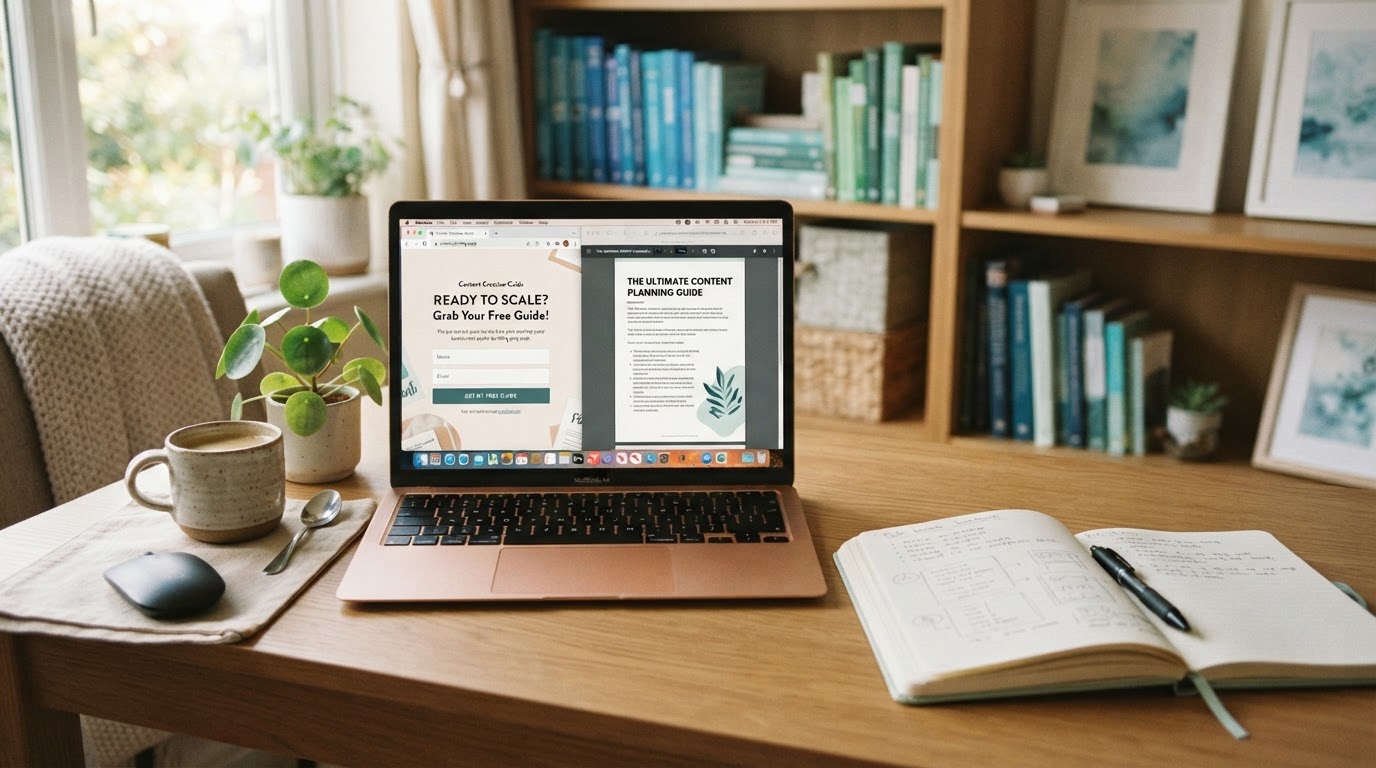
- Make sure at least one post links to a current offer or lead magnet.
Batching turns social media from a daily task into a weekly one, and the content is usually better because you're thinking about it as a set rather than one post at a time.
Use a content calendar, not daily decisions
A content calendar lets you see the week or month ahead in one view. You can see gaps, avoid repeating the same topic, and make sure your social content supports whatever you're promoting that week.
A simple structure might be:
- Monday: a tip or insight.
- Wednesday: a client story or result.
- Friday: a behind-the-scenes or personal post.
- Sunday: a question or prompt for engagement.
When the calendar lives in the same system as your CRM and email, you can align social posts with email campaigns and see which posts drive actual enquiries. You can compare the RMM monthly and yearly options to see how social scheduling is included.
Schedule ahead across supported platforms
RMM supports social scheduling across currently supported platforms. That means you can write posts once and schedule them to go out at the best times for each platform, without logging in each day.
Schedule a week or two ahead so your social presence continues even when you're delivering a programme, travelling, or simply focusing on clients. The posts go out whether or not you're at your desk.
Connect social to your campaigns
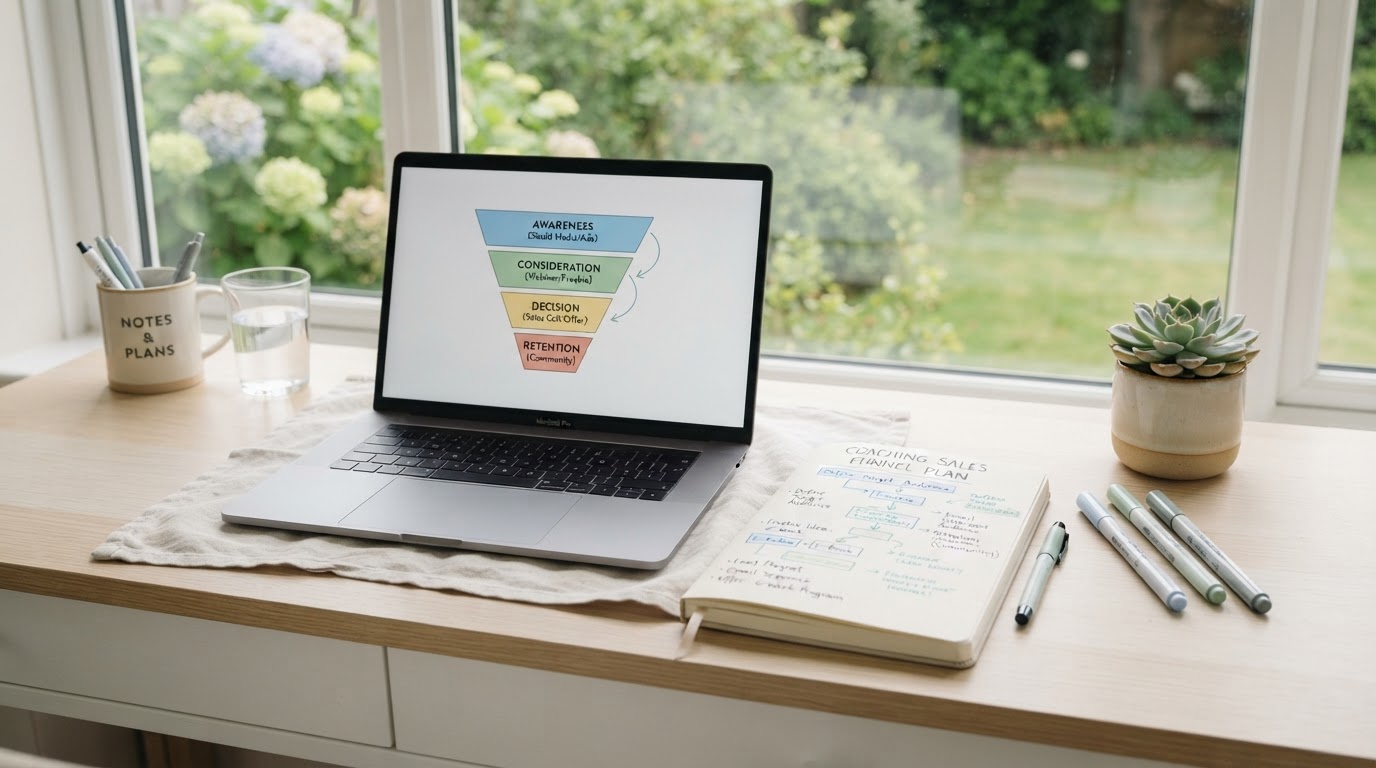
The real advantage of scheduling social from a connected system is that your posts can align with your wider marketing. When you launch a new programme, your social posts, email sequence and landing page can all reference the same offer. When you publish a new lead magnet, you can schedule social posts that link to it.
This is hard to coordinate when social lives in a separate tool. It's automatic when everything is in one system.
Review what actually works
Monthly, review which posts drove the most engagement, clicks or enquiries. You'll usually find that a small number of post types do most of the work. Do more of those and fewer of the ones that don't connect.
The goal of social scheduling isn't to post more. It's to post more deliberately, with less daily admin, and to connect social activity to the rest of your marketing rather than treating it as a separate, time-consuming task.
Ready Made Marketer includes social scheduling across supported platforms, a content calendar, and connections to your CRM and email campaigns, so you can plan and schedule social from one dashboard. To see how it fits your coaching business, view RMM pricing on our main site.