You don’t need to become a web designer to build a useful coaching website. You need to make a few important decisions and complete them in the right order.
Technology becomes overwhelming when you try to choose colours, write every page, connect a domain, build a funnel and automate emails at the same time. Separate the jobs and begin with what the visitor needs to understand.
Write the homepage message first
Before opening a website builder, complete this sentence:
‘I help [specific person] with [recognisable problem] so they can [useful outcome].’
That sentence may not become your final headline, but it forces clarity. A visitor should quickly understand who the site is for and what you can help them achieve.
Start with five essential pages
Most coaching businesses can begin with:
- Home
- About
- Work with me
- Useful resources or blog
- Contact
Add legal pages appropriate to your business, such as privacy and cookie information. You can add courses, shops or complex funnels later. Publishing a clear five-page site is more valuable than leaving a 25-page plan unfinished.
Give every page a next step
Decide what the visitor should do after reading. That may be booking a call, downloading a resource, joining a mailing list or viewing an offer.
Connect that action to your system. A contact form should create a contact record and alert you. A lead magnet should trigger delivery and follow-up. A booking should send confirmations and reminders.
Use templates as a starting point
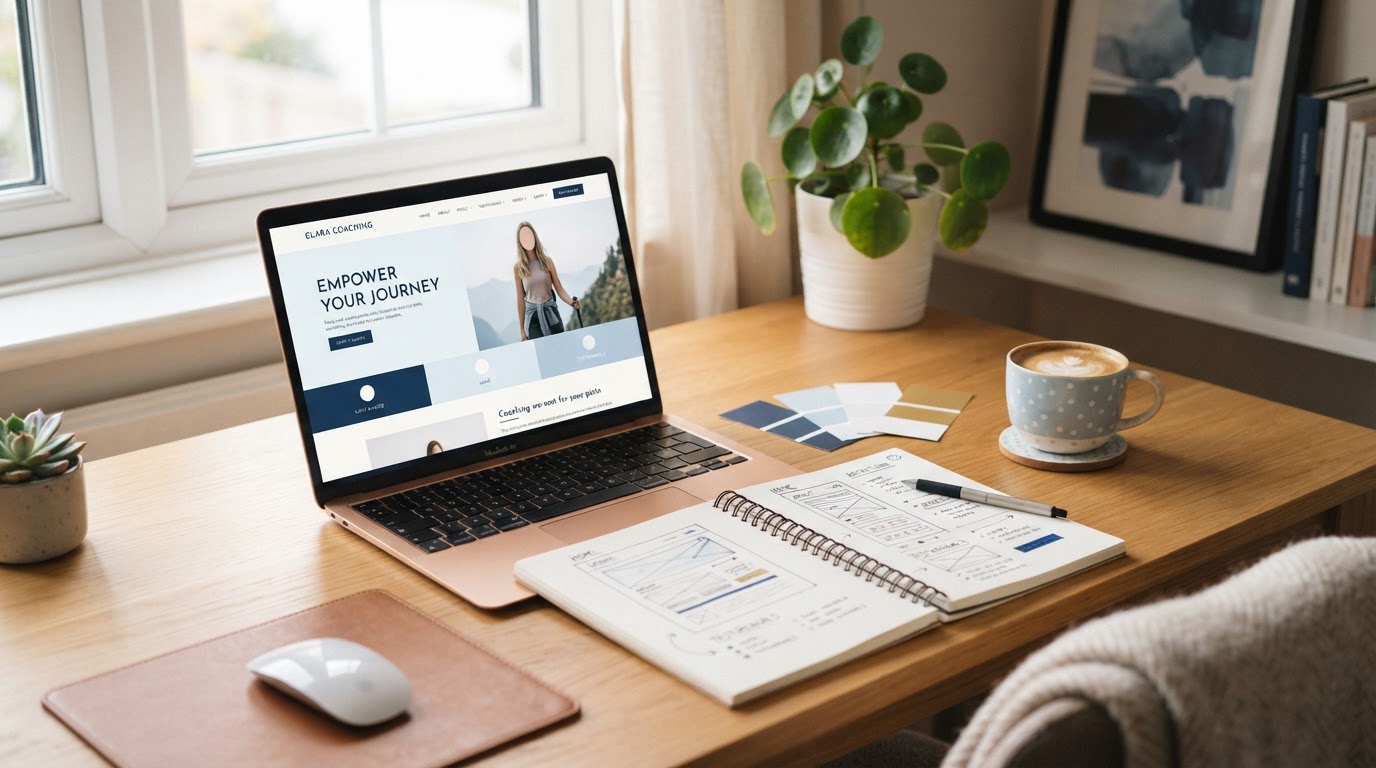
A good template removes structural decisions while leaving you in control of the words, colours and images. Choose one with a clear mobile layout and edit the existing sections before adding new ones.
Avoid changing the design every time you see another website you like. Consistency makes a site feel more professional than decorative complexity. To see what templates and tools are included, see current RMM plans.
Build and test one page at a time
Complete the homepage on desktop and mobile. Test every button. Then move to the next page.
Ask somebody unfamiliar with the business to answer three questions after viewing it for a minute: Who is it for? What can they buy or do? What should they click next?
Hayley Wardman said she spent four years trying to build a website that was easy to create and looked good on other platforms. She created hers in RMM in just over two weeks, alongside calendars, email, a lead magnet and blog. Claudia Frisch said she never thought she’d have a website she could run and update herself.