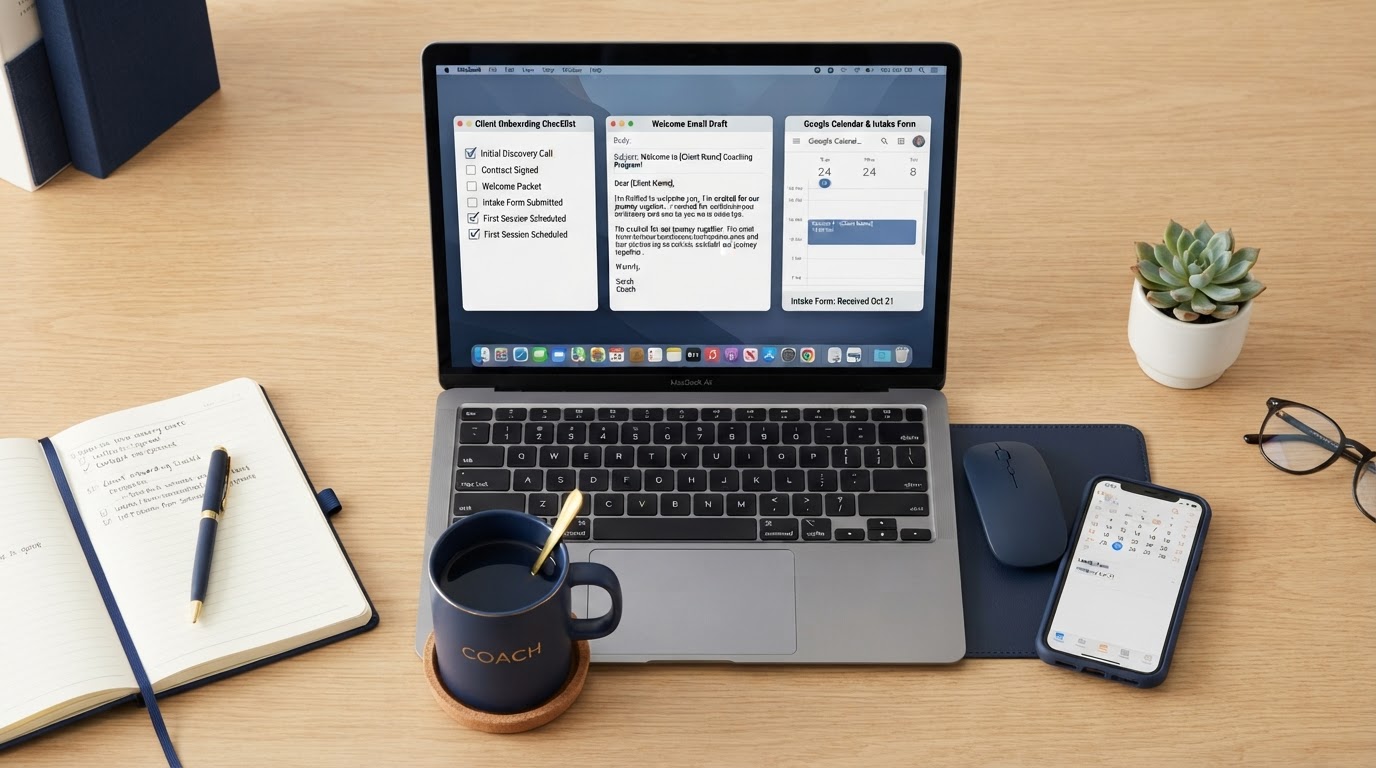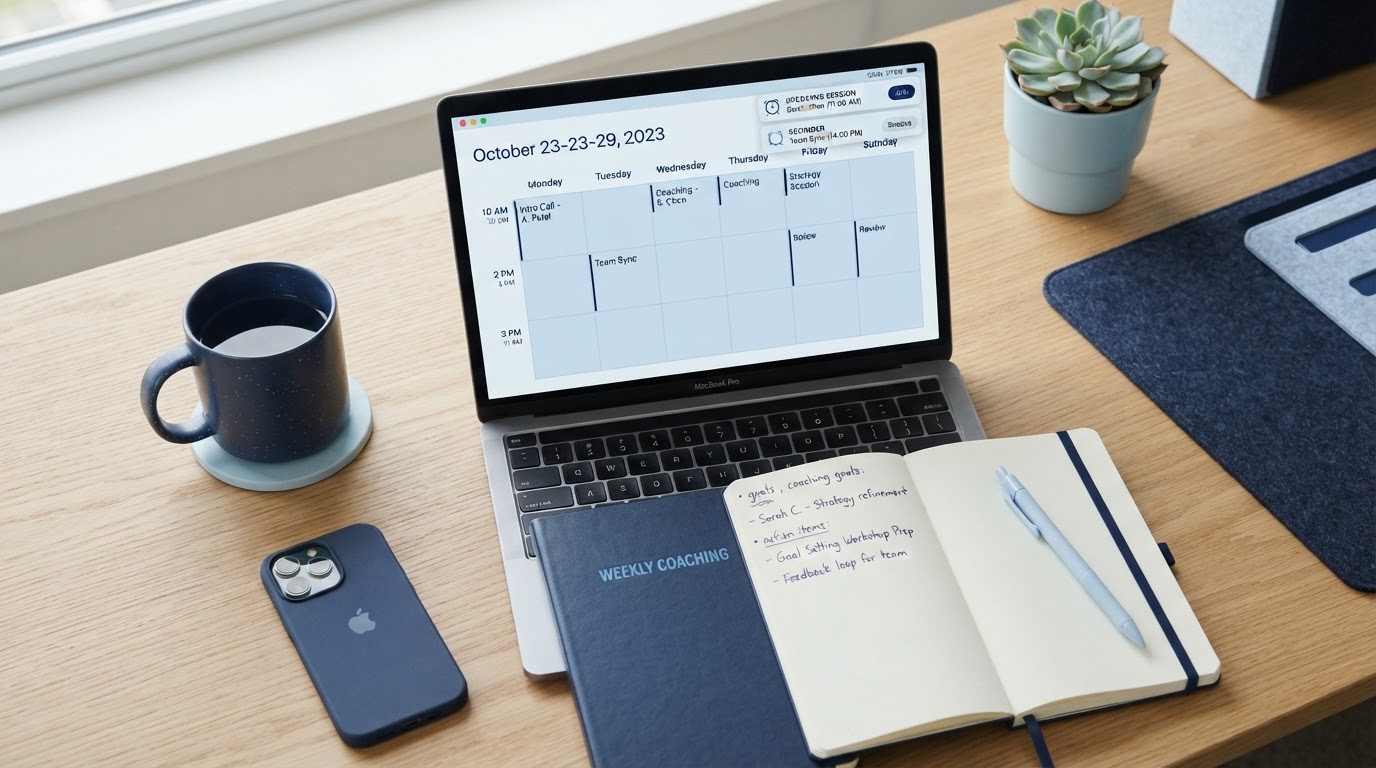
Most coaches run their sessions across a patchwork of tools: a booking calendar in one app, reminders in another, session notes in a document, and follow-up emails typed out individually after every call. The admin quietly eats hours every week.
The fix isn't a better calendar app. It's connecting the whole session lifecycle in one system so each step triggers the next.
The full session lifecycle
A coaching session isn't just the hour on the call. It includes:
- The client books or rebooks a time.
- Confirmations go to both of you.
- Reminders arrive before the session.
- The session happens.
- You record notes and agreed actions.
- Follow-up resources or homework are sent.
- The next session is booked or the relationship is reviewed.
When those steps are connected, you stop being the human switchboard between five different tools.
Let clients book without the back-and-forth
A self-service booking link removes the most common admin task in coaching. Clients see your real availability, pick a slot, and the system handles the rest. No more 'Does Tuesday at 2 work? No? How about Thursday?' message chains.
Set up different calendar types for different sessions: a free discovery call, a paid 1:1 session, a package session. Each can have its own duration, buffer, and preparation instructions.
Automate reminders that actually reduce no-shows
Reminders are the single biggest no-show reducer. A sensible pattern is:
- An immediate confirmation when the session is booked.
- A reminder the day before.
- A final reminder an hour before.
Each reminder should include the session time (in the client's timezone), the joining link or location, and a clear instruction on what to do if they need to reschedule. Stop reminders once the session is marked complete or cancelled.
Make rescheduling painless
Life happens. Clients need to move sessions. If rescheduling means messaging you, waiting for a reply, and then you manually updating three tools, it's a friction point for both of you.
Let clients reschedule through the same booking link. The system updates the calendar, sends new confirmations, and adjusts the reminders automatically. You're notified without having to do anything. To see how connected calendars work, compare the RMM monthly and yearly options.
Keep session notes against the contact record
Session notes are most useful when they're attached to the client's contact record, not buried in a separate document. After each session, record:
- What was discussed
- Agreed actions and homework
- Any shifts or breakthroughs
- What to focus on next time
When notes live in the CRM, you can open a client's profile before a session and see the full history at a glance. That preparation is what makes clients feel held, even when you're managing many of them.
Automate the post-session follow-up
After the session, a simple automated email can send any resources you promised, recap the agreed actions, and include a link to book the next session. You can trigger it manually with one click or set it to send automatically when you mark the session complete.
This is where the time saving compounds. Instead of typing a follow-up email after every session, the system sends a templated one you've personalised in advance, and you only step in when something needs a specific touch.
Ready Made Marketer connects booking calendars, automated reminders, contact records, session notes and post-session follow-up in one platform. To see how it fits your coaching business, view RMM pricing on our main site.